-
·
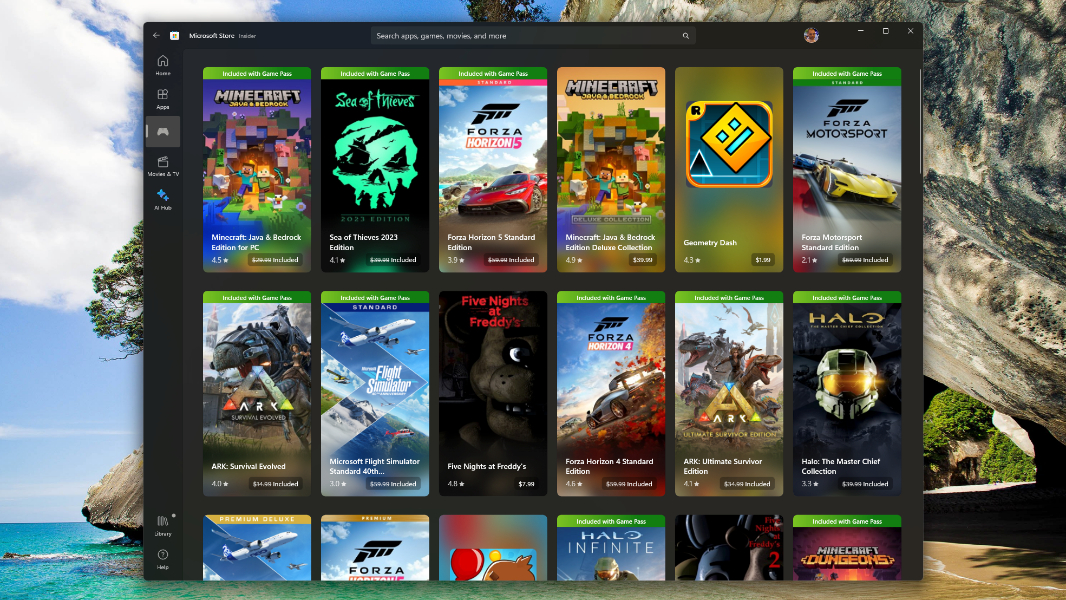
Microsoft Store Allows You to Select Game Installation Location
Microsoft Store Games Microsoft has recently rolled out an important new feature for gamers in the Microsoft Store app. Users can now select the drive where they want to install PC games. Although this may seem like a basic addition, it’s a vital usability improvement given the large storage requirements of games like Starfield and…
-
·
Microsoft Disables OneDrive Feedback Pop-Up in Windows 11 Following Backlash, Citing User ‘Feedback’
According to Microsoft, between November 1 and 8, a survey pop-up was added to OneDrive in Windows 11 when users tried to close the sync client. This survey was only shown to a small number of users and was later removed based on user feedback. The pop-up warned that files in the OneDrive folder wouldn’t…
-
·
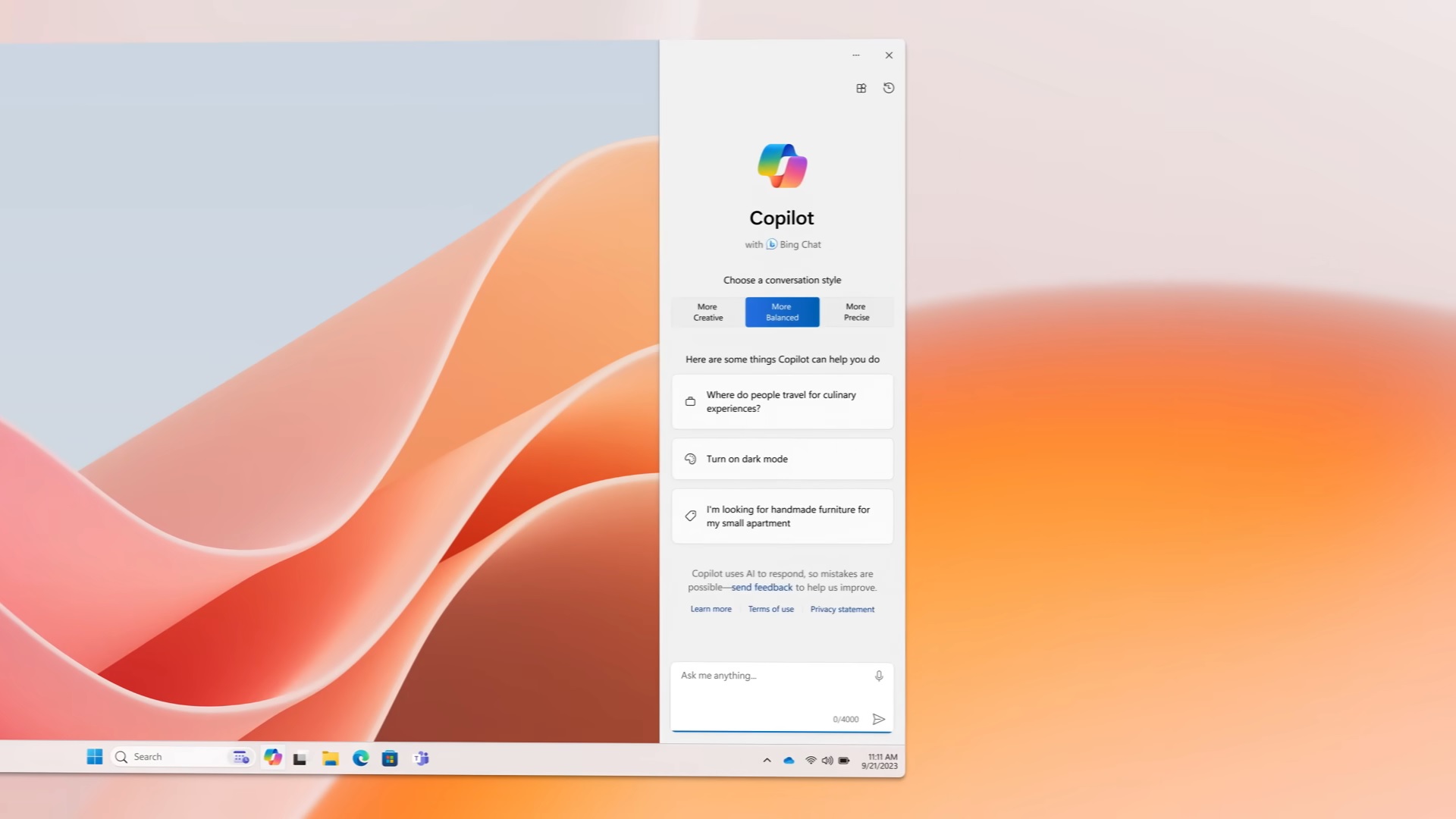
Testing auto start, control pinning, and adaptive interface on Windows 11 Copilot.
Microsoft is enhancing Copilot on Windows 11 by testing new features such as auto start on boot, the ability to unpin the AI, and change its pane size. While currently not designed to start on boot, the company is experimenting with a new optional feature that allows configuring Copilot to automatically open when the system…
-
·
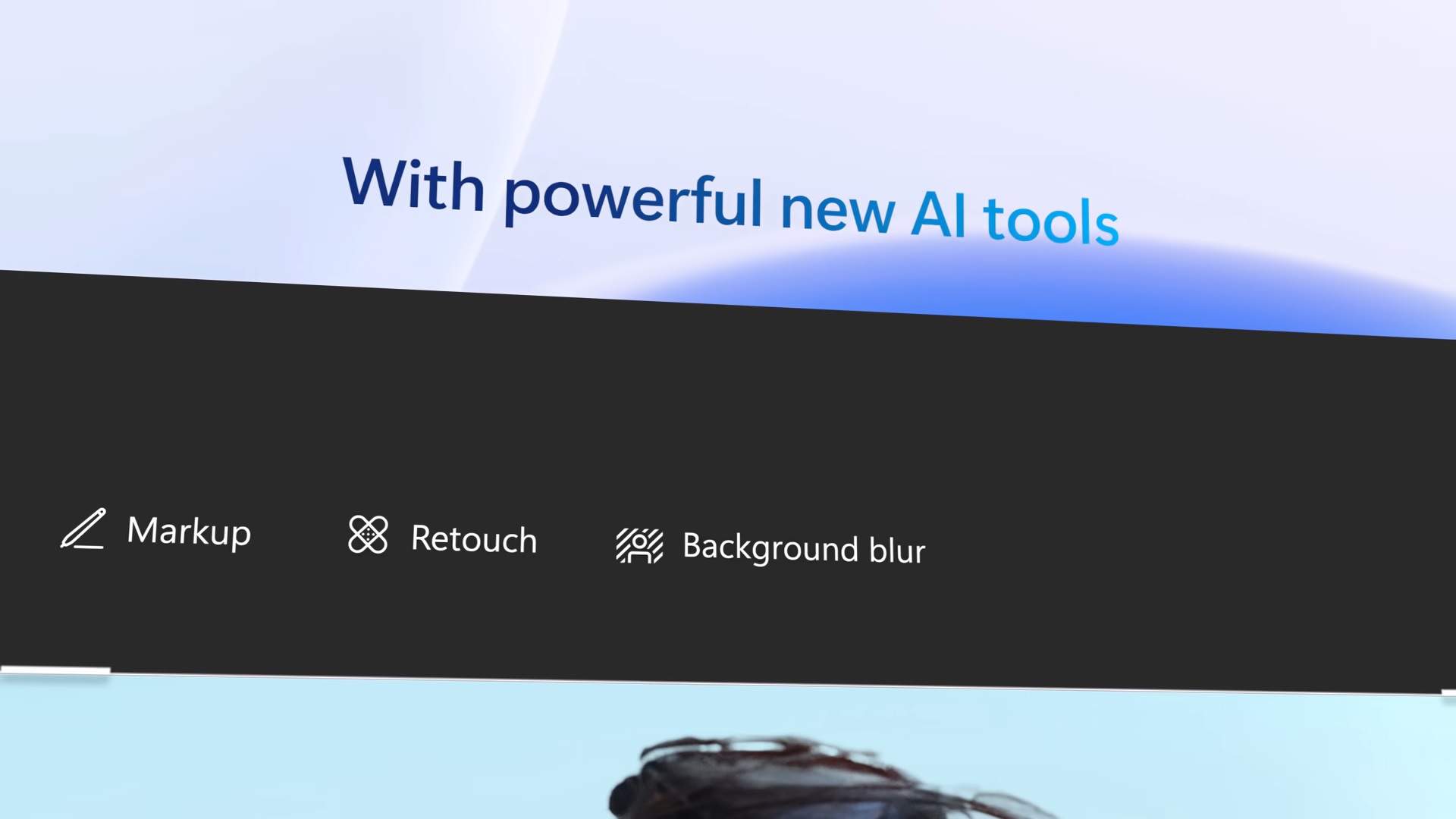
Microsoft Photos on Windows 11 undergoes significant AI upgrade, introducing Google Photos-inspired features
Microsoft is unveiling an enhanced version of the Photos app, equipped with advanced AI capabilities similar to those found in Google Photos. The company is currently testing a cutting-edge feature that harnesses the power of AI to blur, eliminate, or replace the background of an image, and subsequently save it in .png format. This innovative…
-
·
Uninstall more inbox apps like Photos and Camera with Windows 11
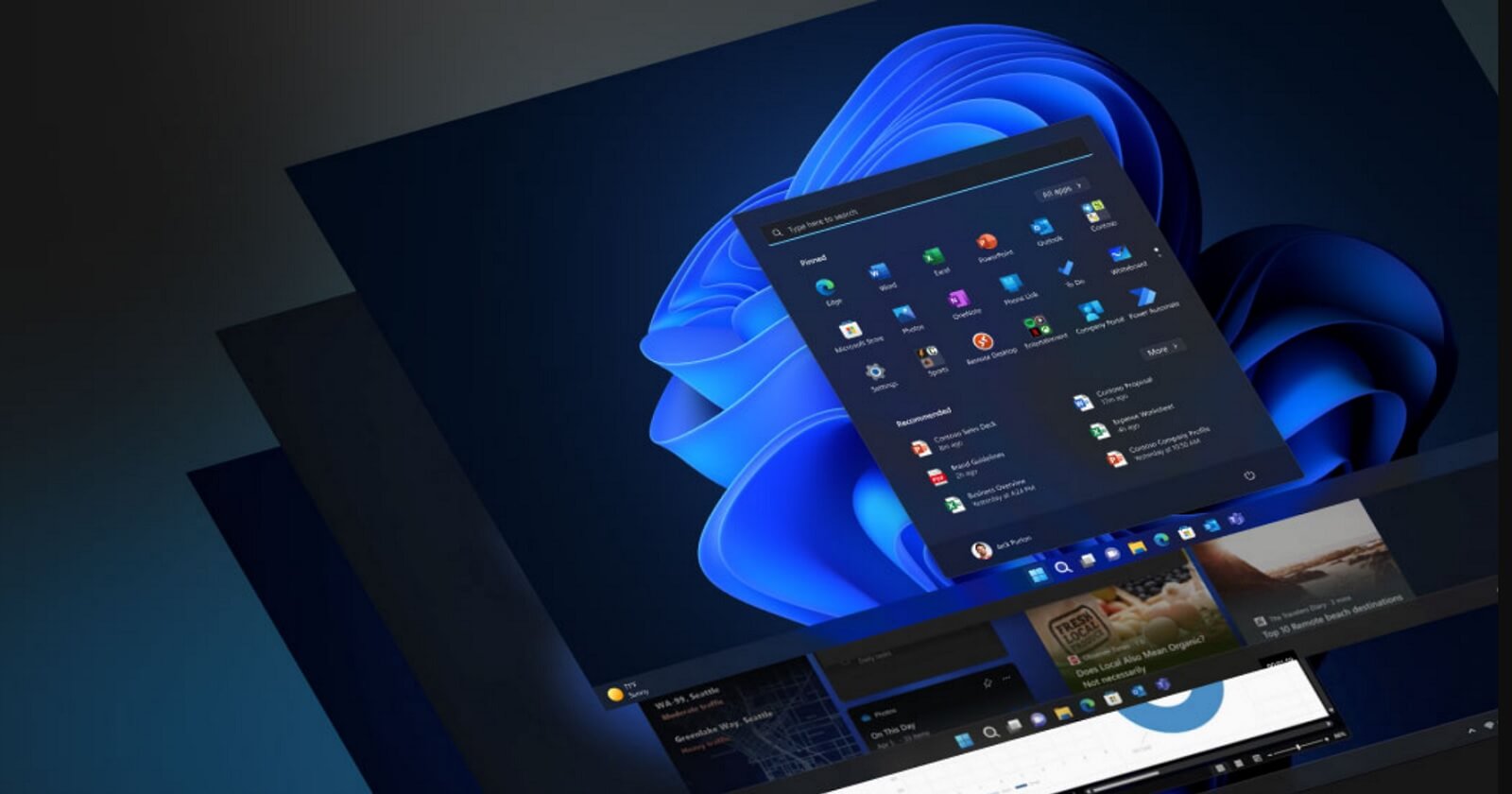
In an effort to streamline Windows 11, Microsoft has revealed its plans to allow users to remove more inbox apps, including Microsoft Photos. The company has also announced that it will be discontinuing the ‘Tips’ app in a future release, expected to roll out next year. The ‘Tips’ app was designed to showcase new features…
-
·
The Best Windows 11 Shortcut to Resolve GPU Issues: Ctrl+Win+Shift+B
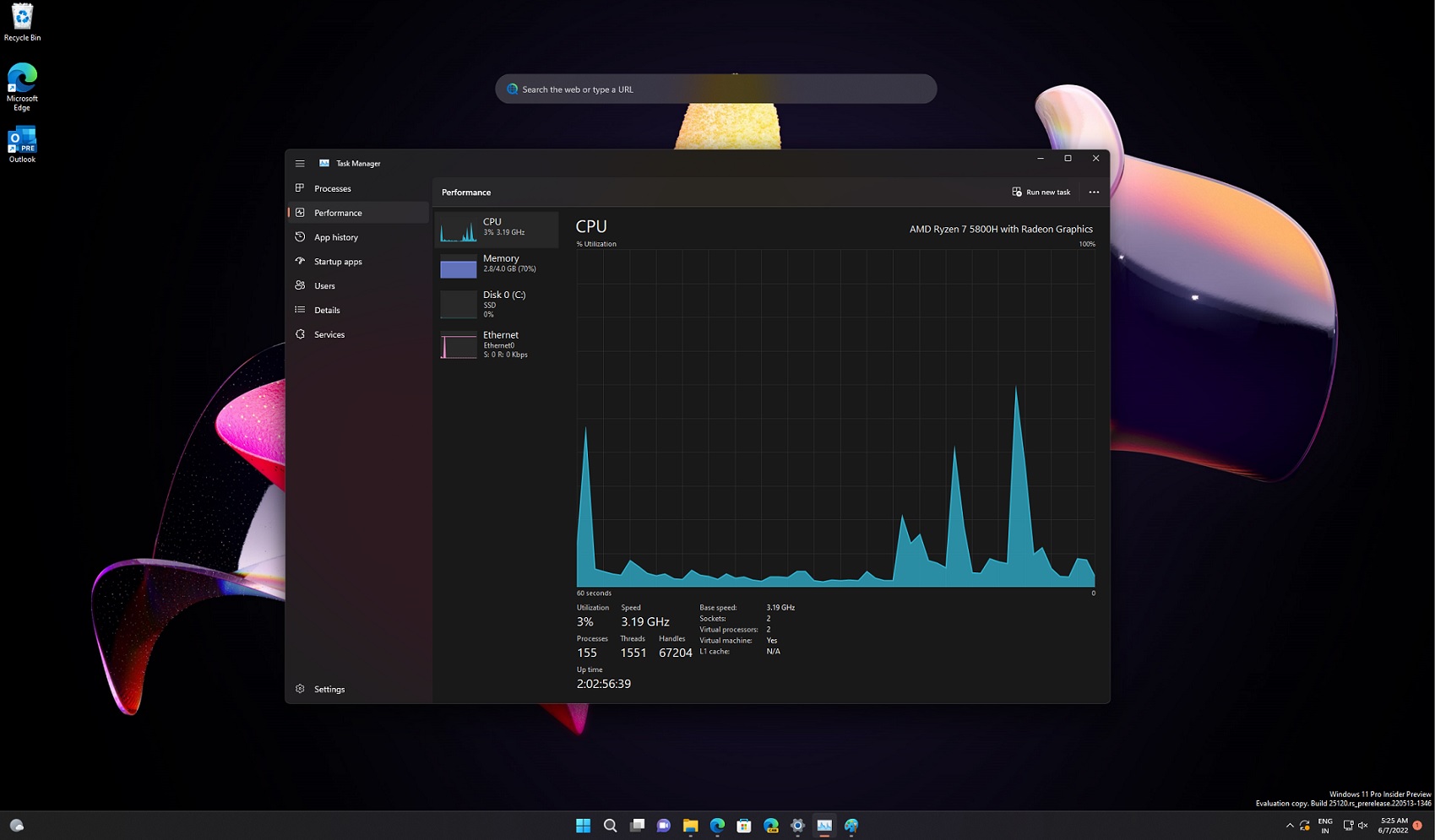
Windows offers a lesser-known keyboard shortcut ‘Ctrl+Win+Shift+B’, which can be used to resolve black screen problems by refreshing the desktop surface buffer with the use of the Desktop Window Manager’s hardware acceleration. This feature was originally added in Windows Vista and is now present in all versions, including Windows 11 version 23H2 and Windows 10.…
-
·
Issues with Windows 11 23H2 installation impact some users as update installation fails
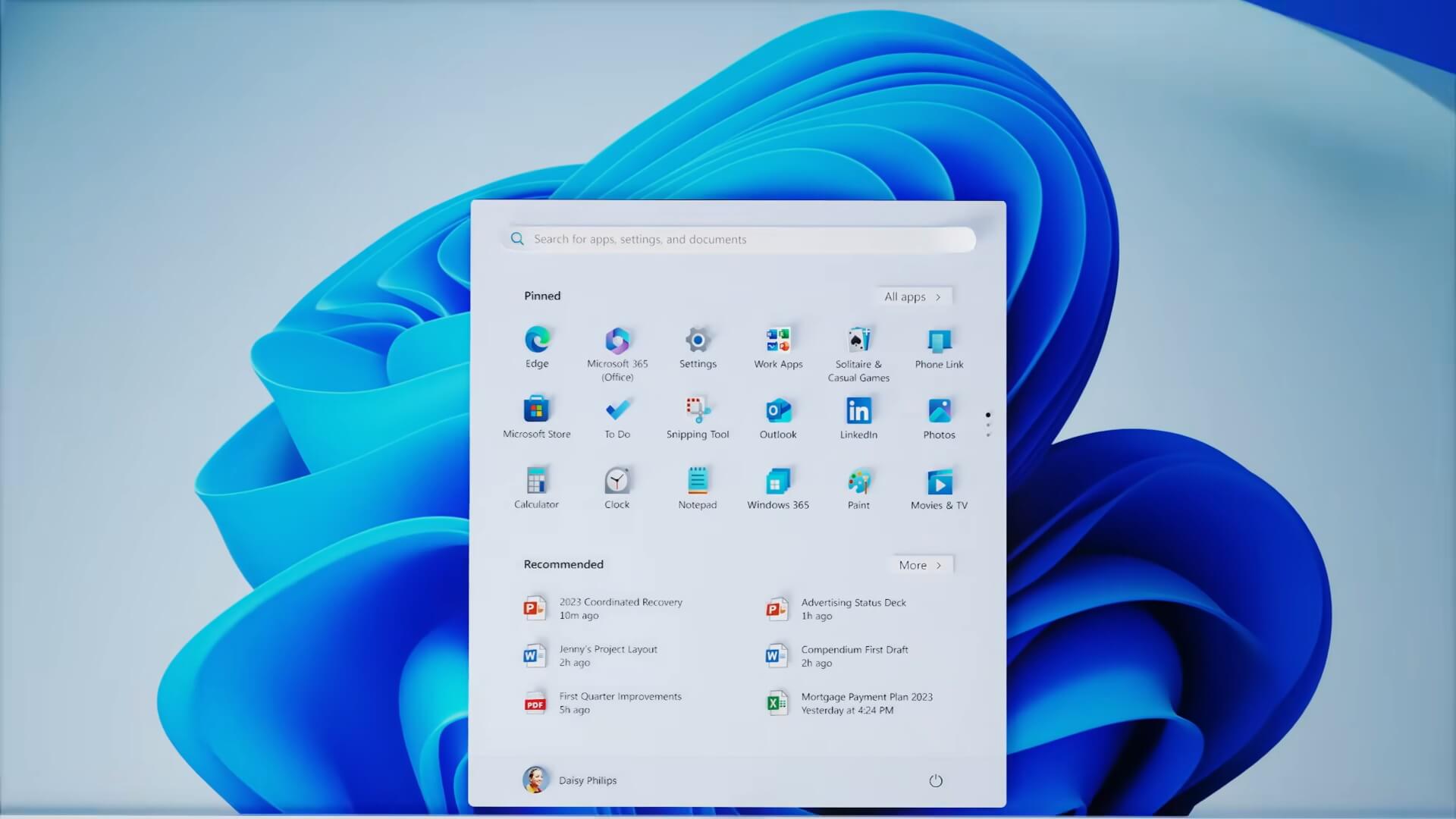
Numerous users have reported encountering issues when attempting to install Windows 11 version 23H2, with error messages such as 0x800f081f. Despite flagging these problems in the Feedback Hub, Microsoft has not provided any workarounds or detailed information on the cause of the installation failures. The nature of the issues preventing the download and installation of…
-
·
Initial Thoughts on the Lenovo ThinkPad T14s Gen 4
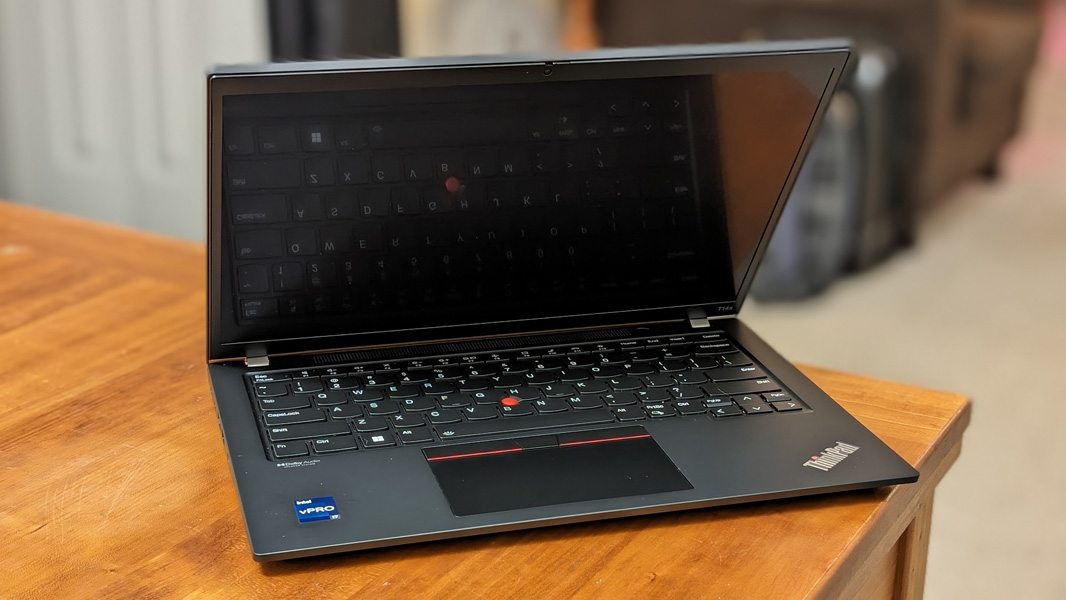
The Lenovo ThinkPad T14s Gen 4 stands as a high-end, premium business Ultrabook that boasts stunning aesthetics, top-notch connectivity, and unparalleled portability. It offers a choice between Intel and AMD variants, and there’s an option for 5G cellular connectivity. Despite its premium quality, the T14s comes at a reasonable price, especially during Lenovo’s periodic sales.…
-
·
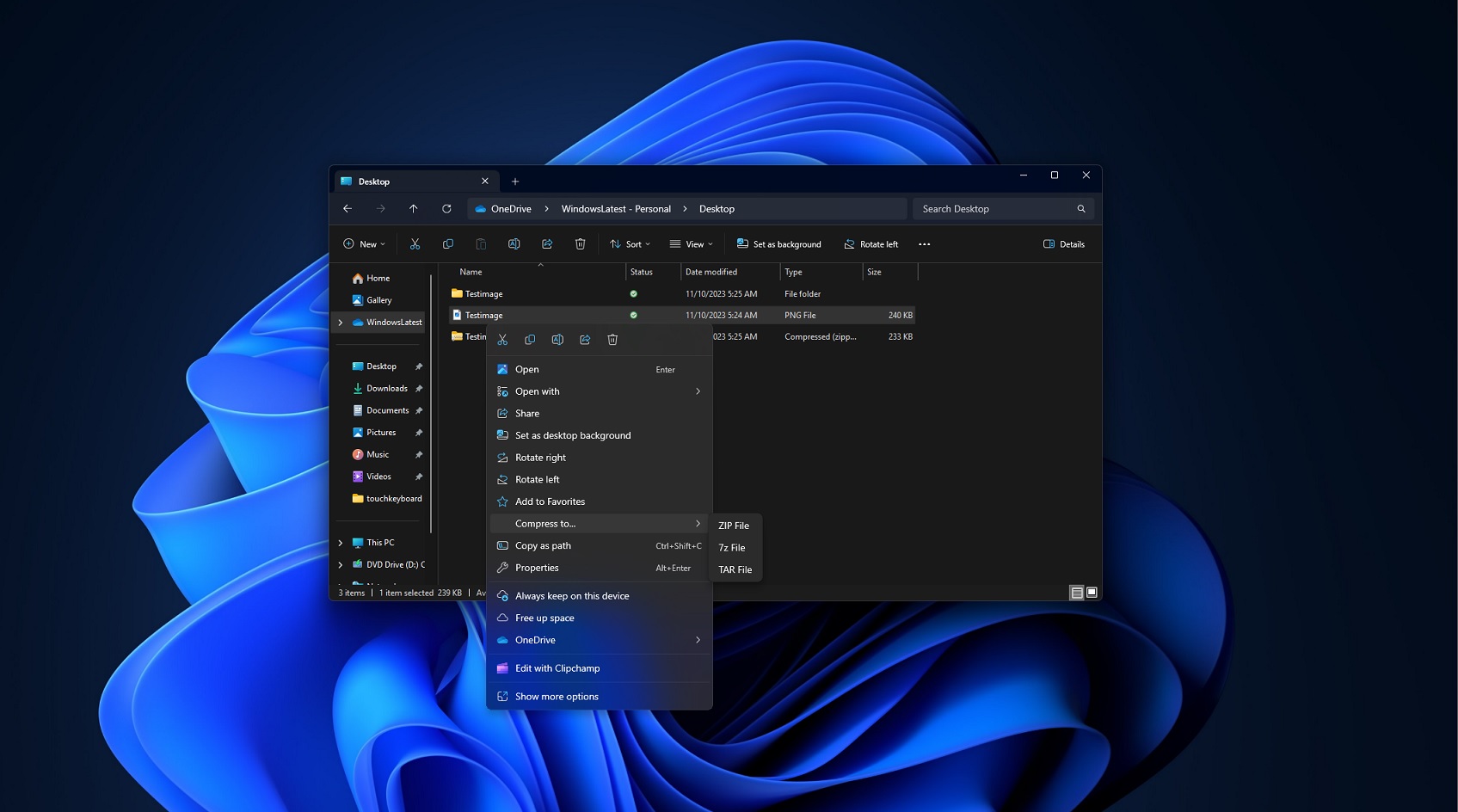
Get a sneak peek at Windows 11’s ability to create ZIP, 7z, and TAR archives directly
A new feature in Windows 11 Build 25992 allows users to create archives in .zip, .7z, and .tar formats natively, by simply right-clicking any file. This feature, which was revealed during the Build 2023 developer conference, is now being rolled out to some users in the Insider Program. To create an archive without using a…